Discord Cohort Manager
Internal tool for Intellectual Point that automates Discord cohort lifecycle management — from channel creation and role assignment to student verification, archiving, and a real-time chat interface.
Overview
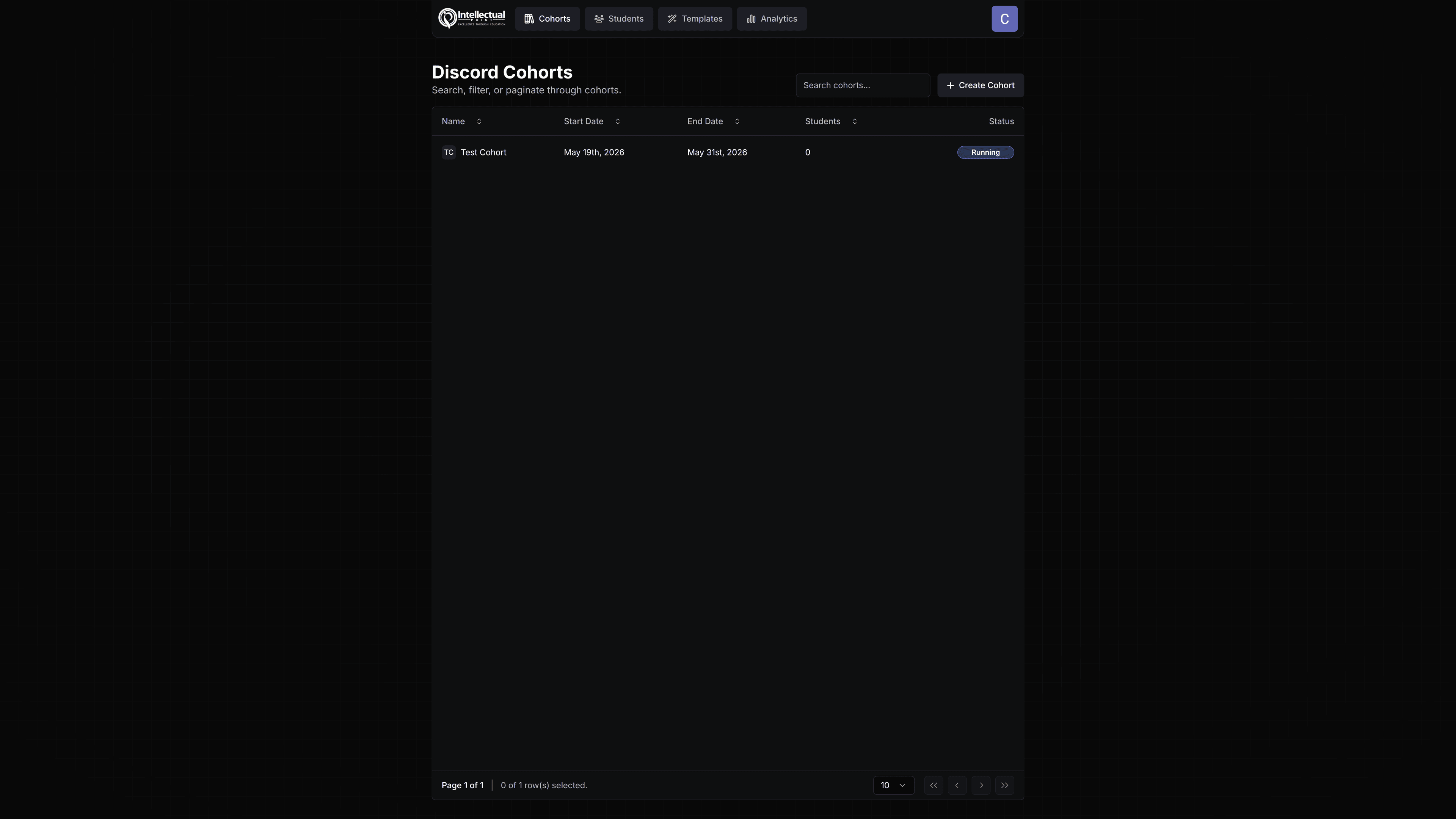
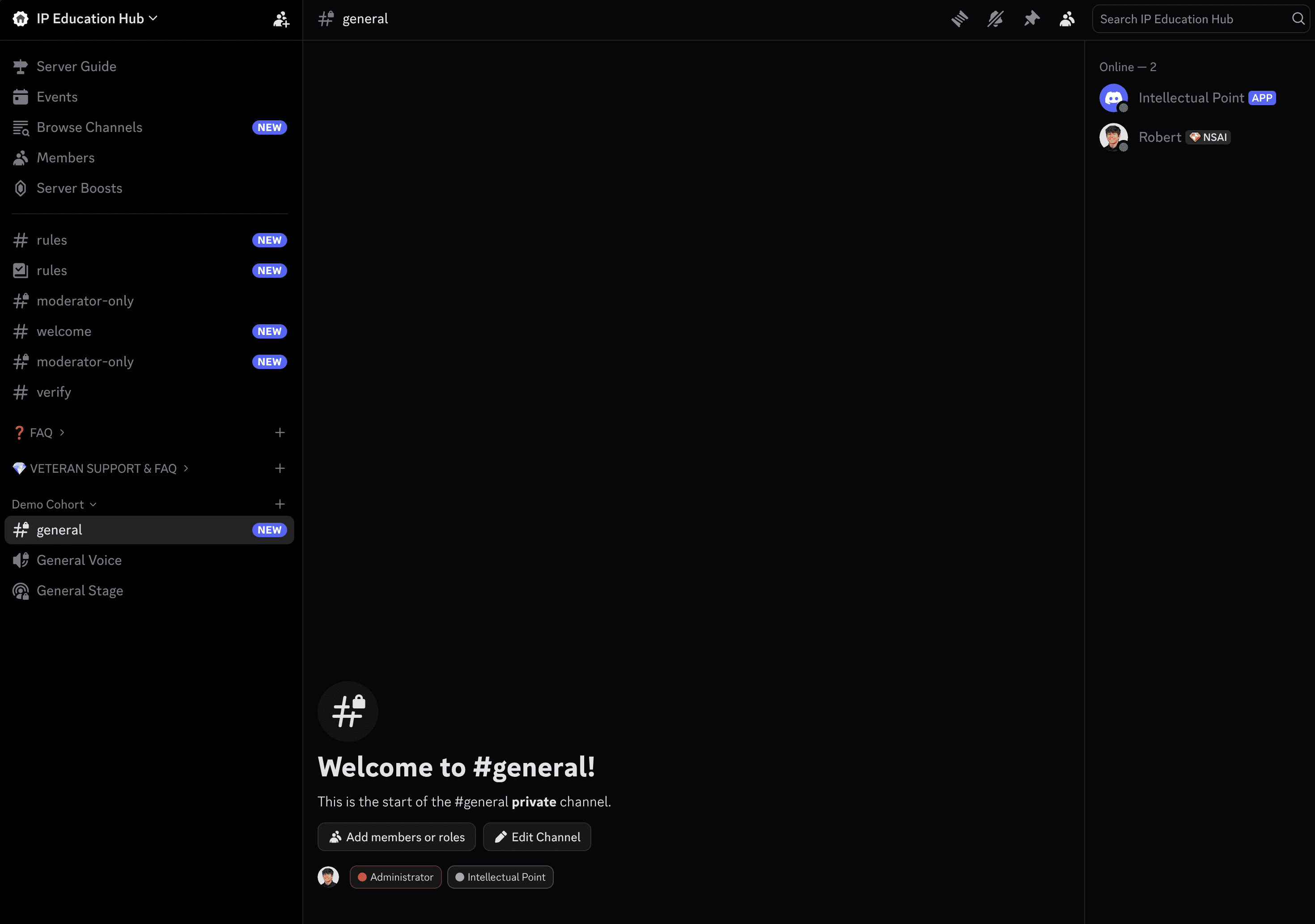
The Discord Cohort Manager is an internal platform built for Intellectual Point to automate the full lifecycle of student cohorts across their Discord server. Every class Intellectual Point teaches gets its own dedicated space in Discord — with channels for material, recordings, mentorship chat, and peer discussion. Managing that at scale, across dozens of cohorts and hundreds of students, required a system that could handle it automatically.
The solution is a web application paired with a custom-built Discord bot, connected via webhooks, that handles everything from channel creation to student graduation with minimal manual intervention.
How It Works
When an administrator creates a new cohort in the web application — say, a June CySA+ class — the system:
- Sends a webhook to the Discord bot
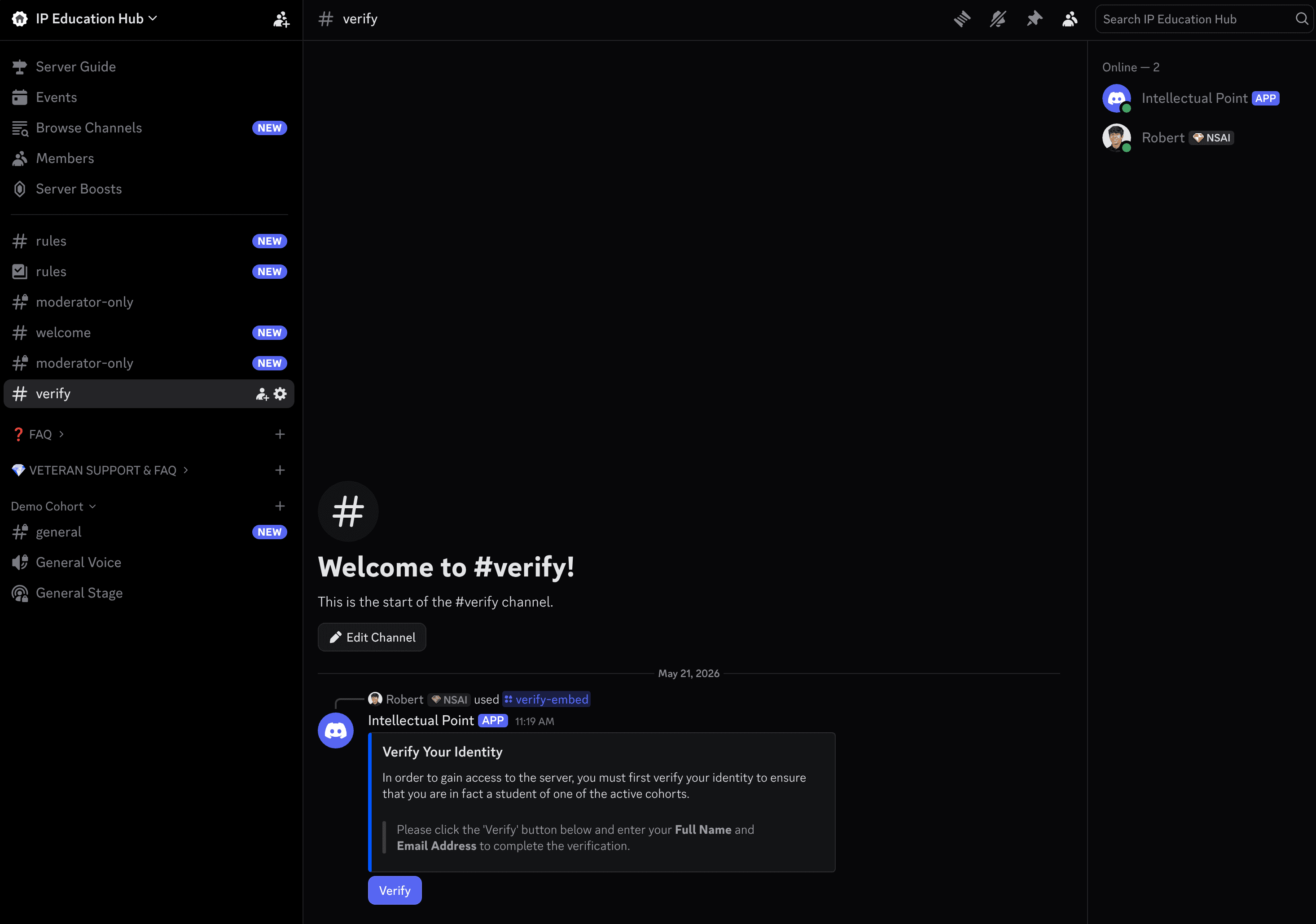
- Bot creates a new category in the Discord server with all configured channels
- Bot creates any necessary roles for that cohort
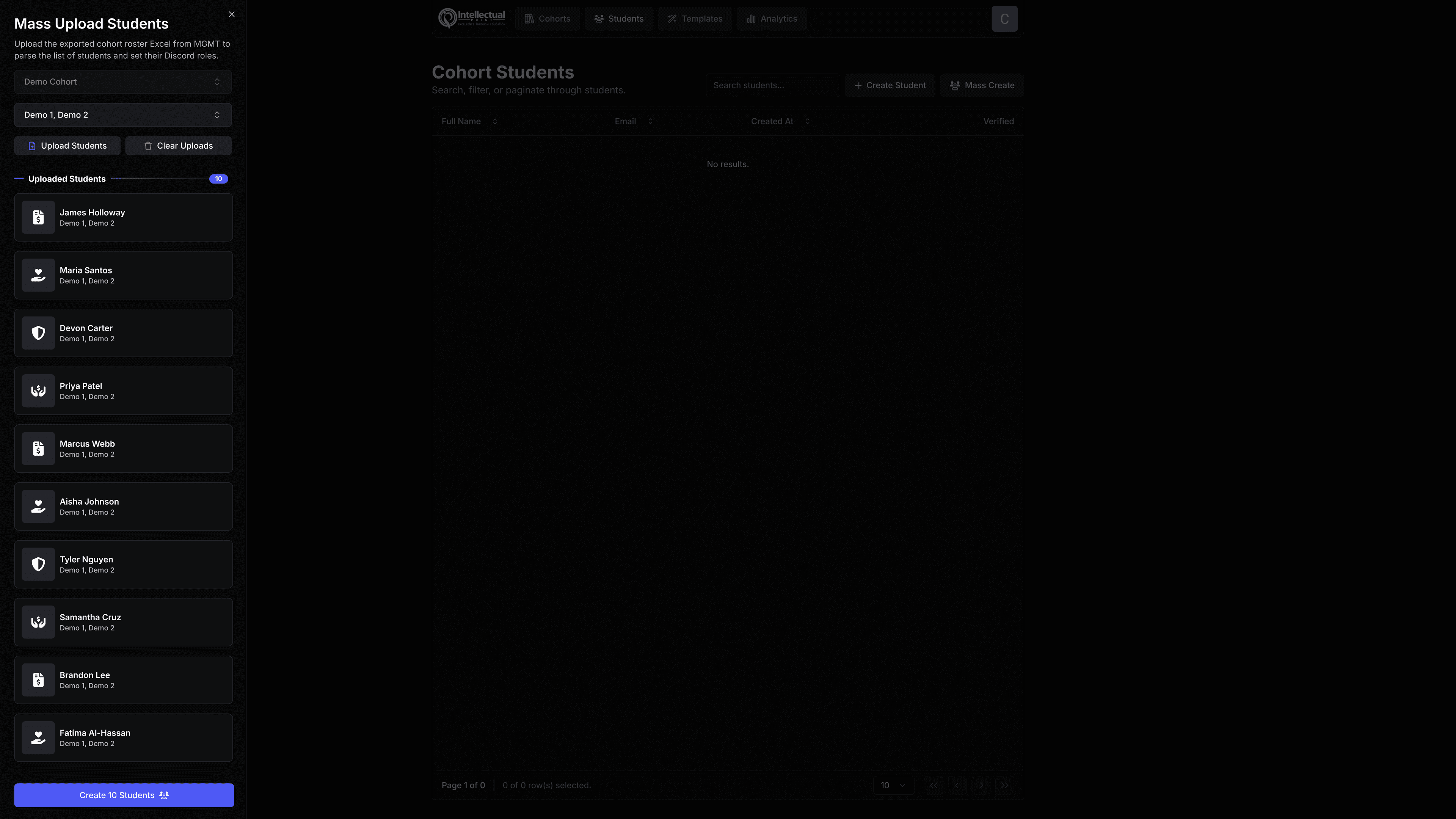
- Assigns existing Discord members who match enrolled students to the correct roles immediately
- Any students not yet in Discord are tracked — when they join and complete verification, they're cross-matched by name and email and automatically assigned their cohort roles
From that point on, students gain access to their cohort's channels without any admin involvement.
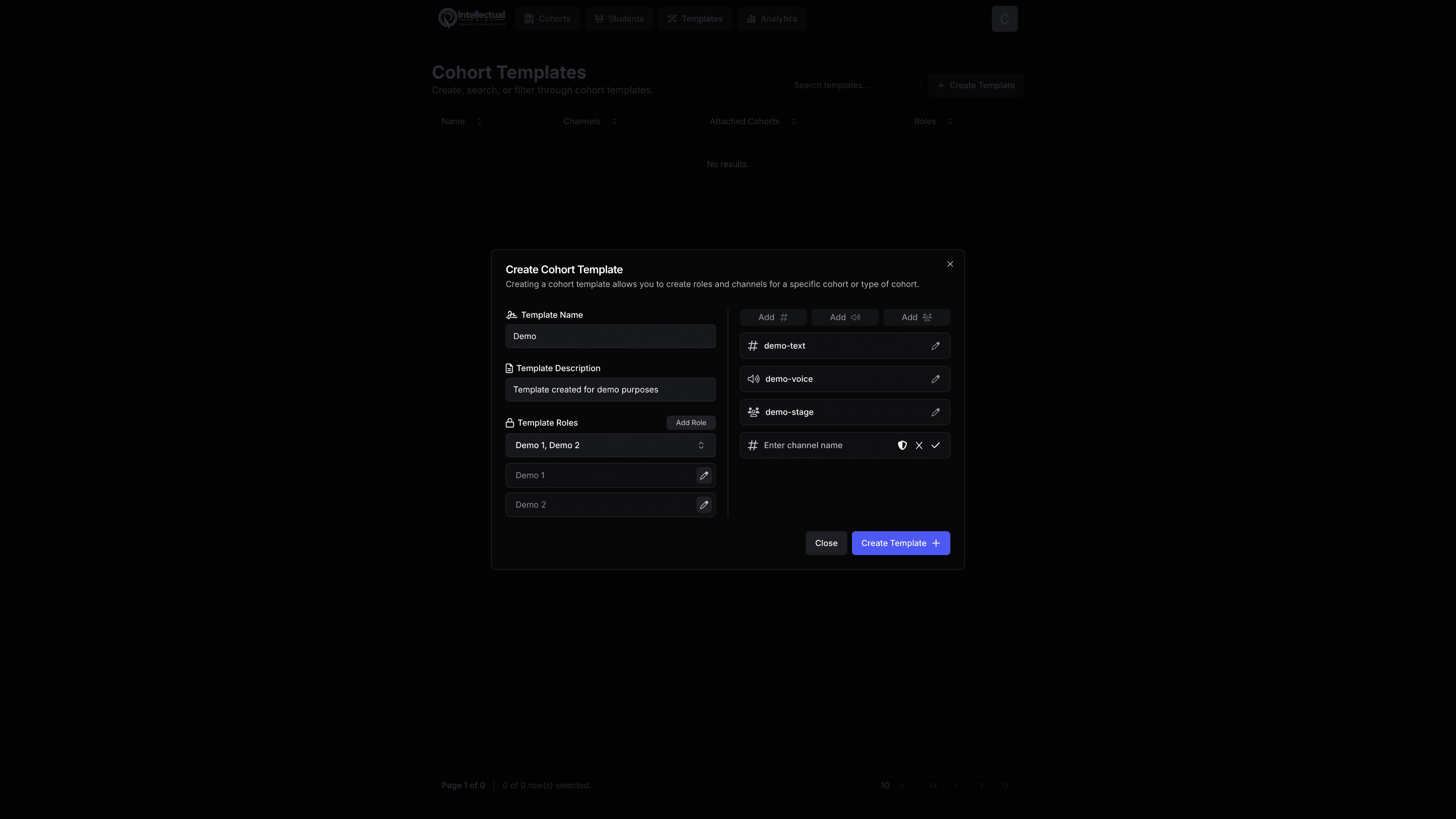
Cohort Builder
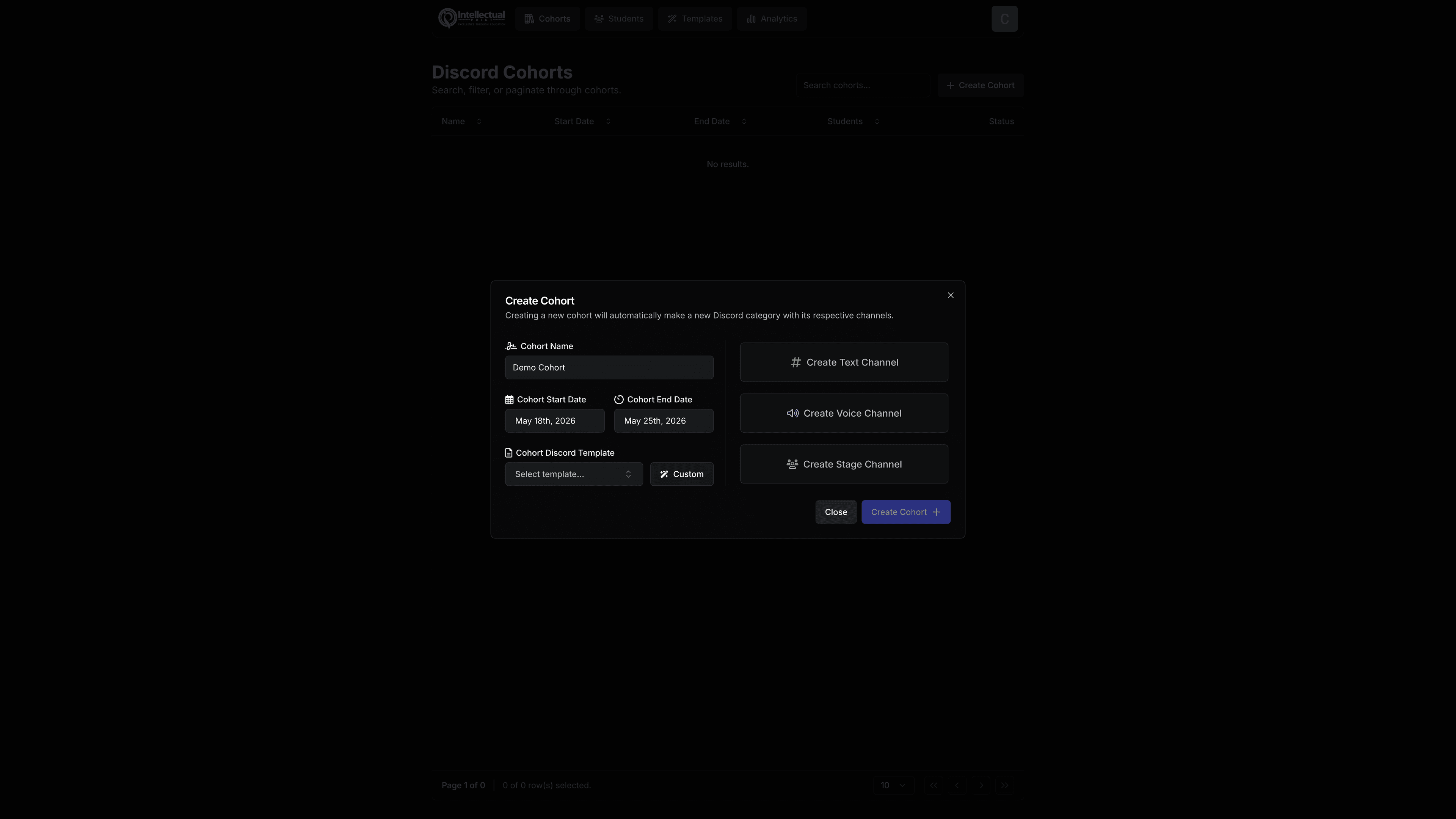
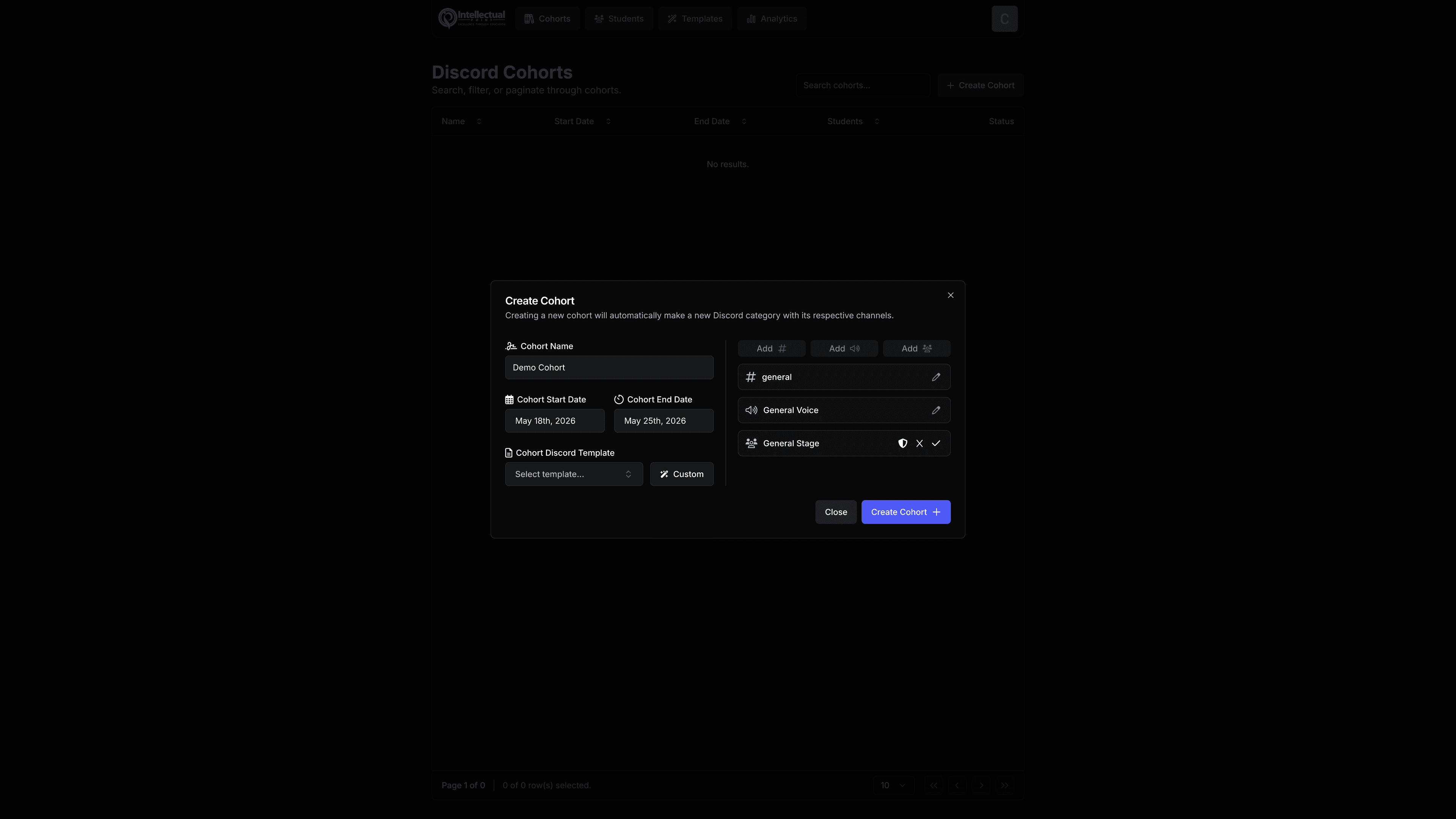
The web application gives administrators a full-featured builder for creating and configuring cohorts:
- Cohort types — tied to specific courses or class formats
- Start and end dates — drive the automated archival workflow
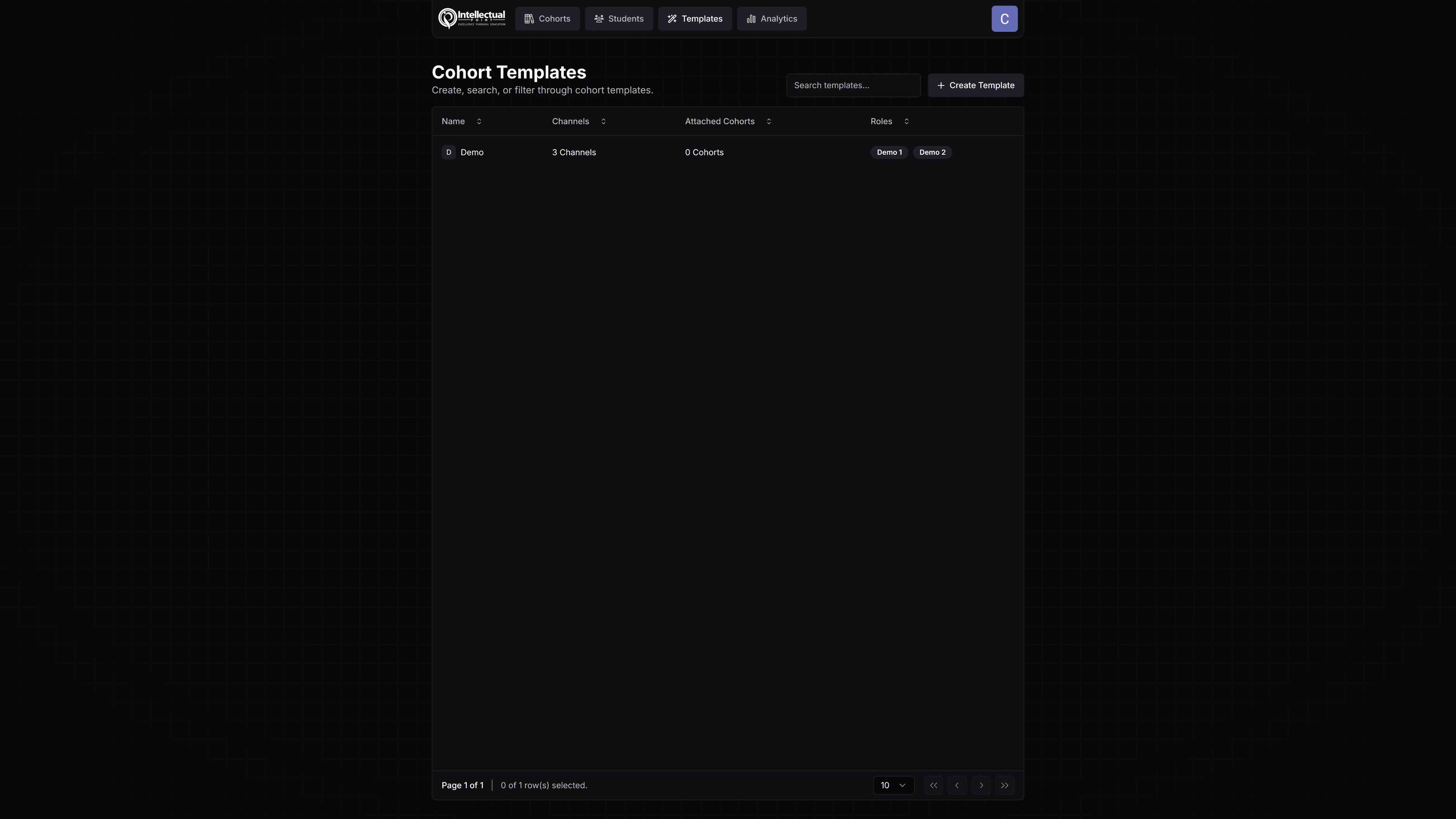
- Channel builder — configure each channel from scratch or start from a saved template. Supports text, voice, stage, and announcement channels — with custom names, icons, and per-channel role permissions pulled dynamically from both Discord server roles and system roles
Automated Lifecycle
When a cohort's end date arrives, a background job automatically:
- Archives and closes all cohort channels
- Moves enrolled students to "Graduated" status
- Grants them access to the graduated student section of the Discord — a separate area with resources and community access that active students don't yet see
Everything from onboarding to graduation runs without manual intervention once the cohort is set up.
Real-Time Chat Interface
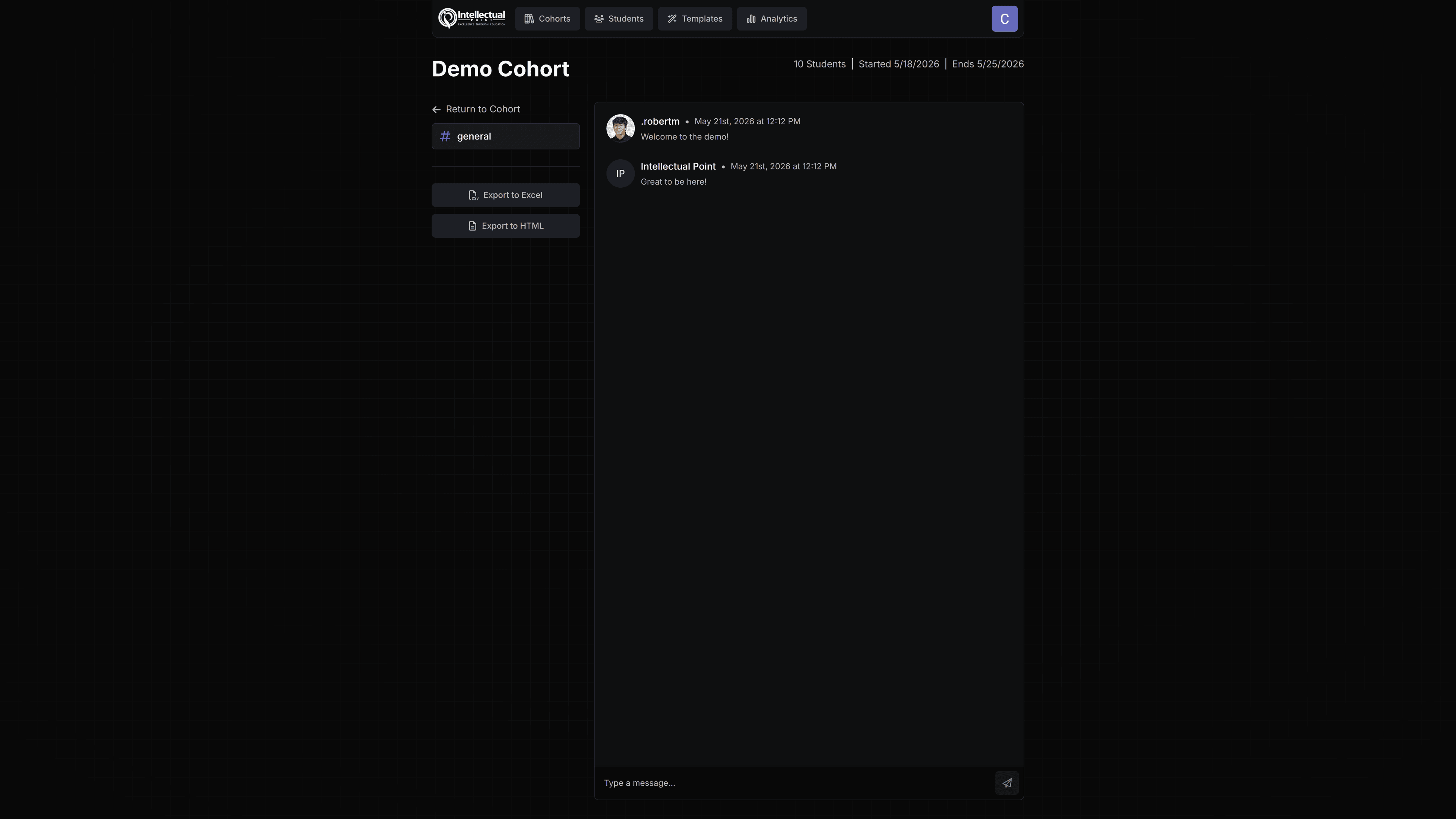
Administrators don't need to leave the web application to monitor or participate in Discord conversations. Each channel has a full real-time chat log pulled directly from Discord, and administrators can send messages as the Discord bot from within the app — replying to student questions, posting announcements, or managing conversations without switching contexts.
Student Profiles
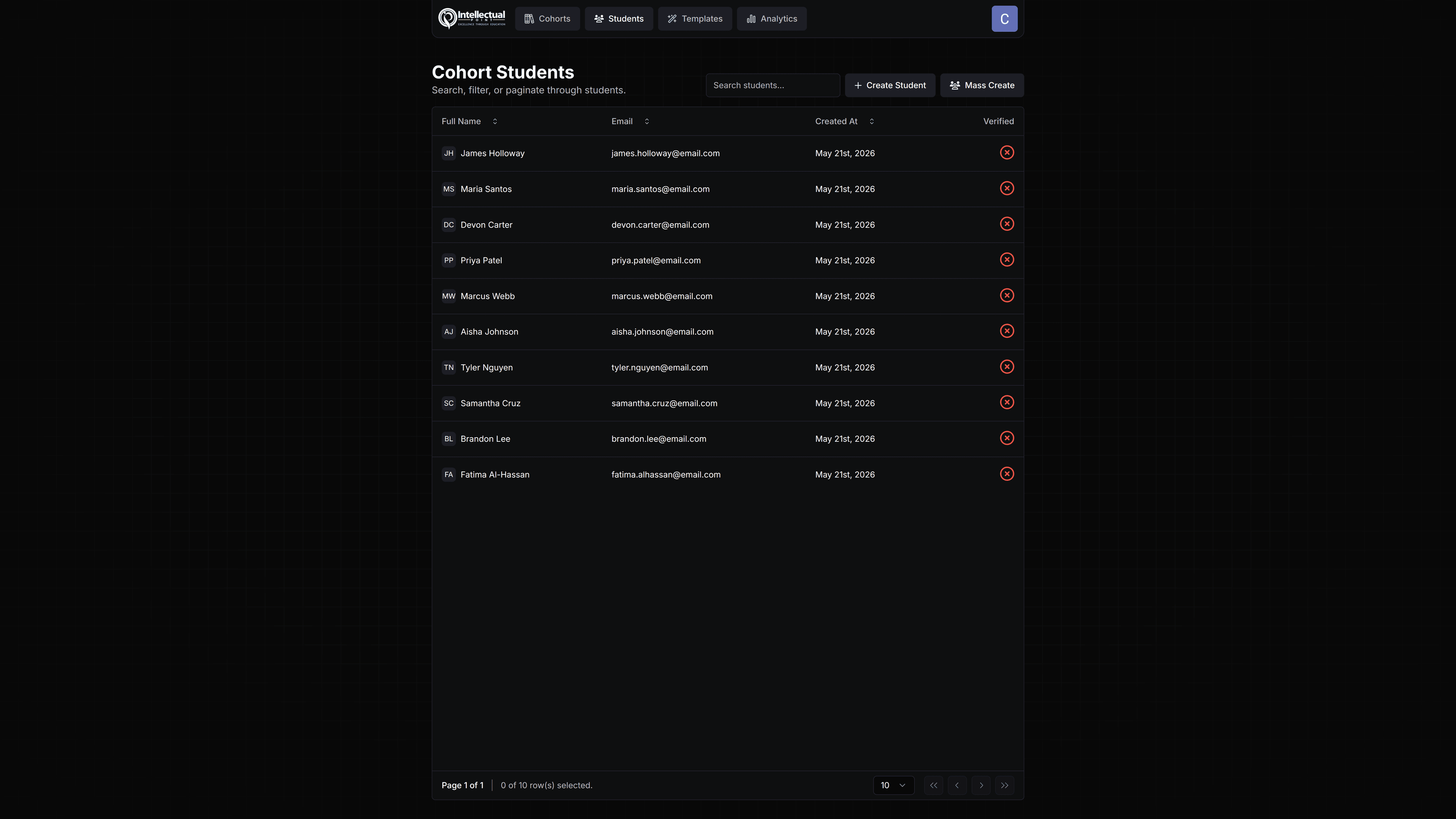
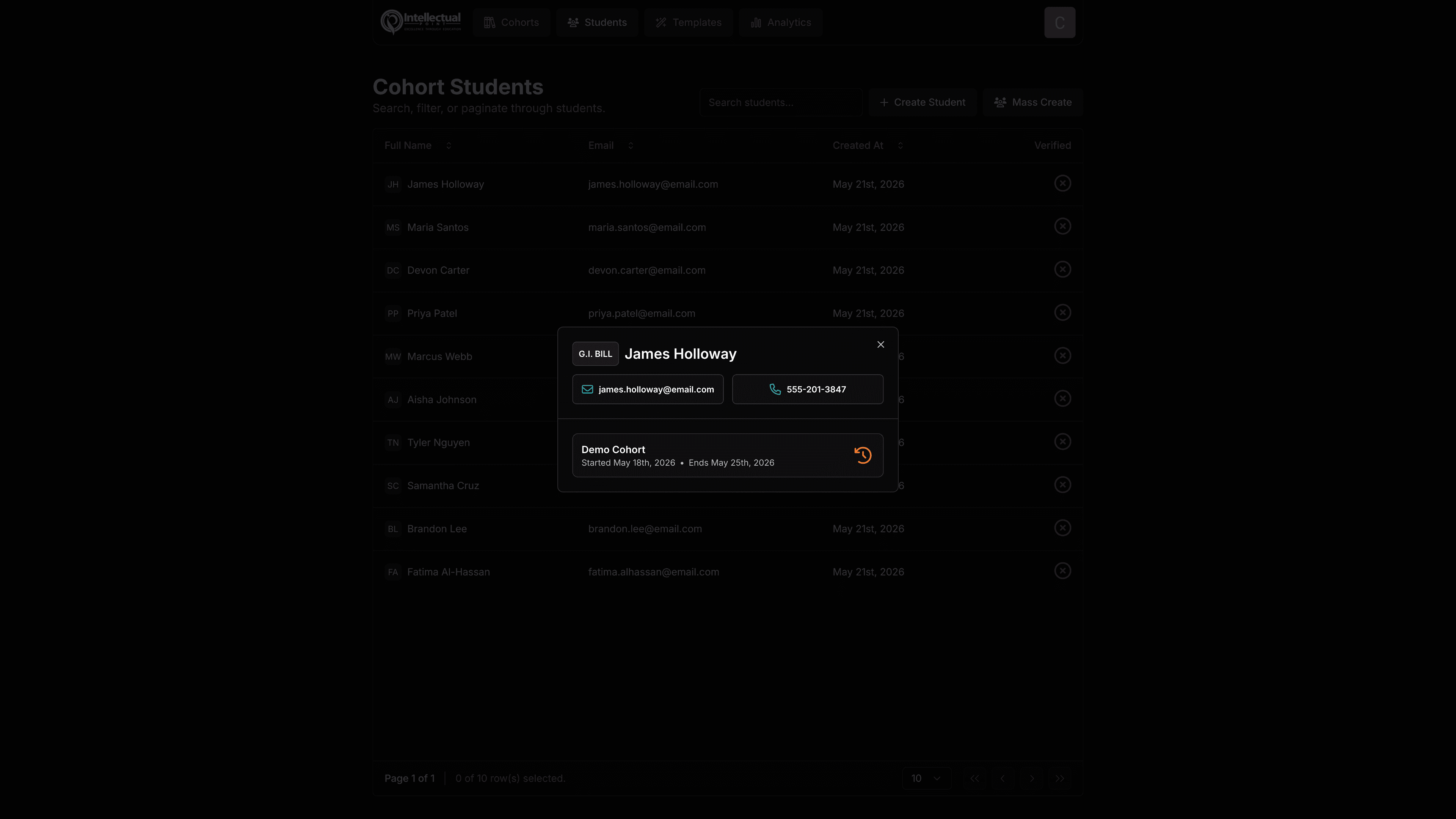
Every student imported into a cohort gets a profile in the system. Administrators can open any profile and see:
- All cohorts the student has been part of
- Enrollment and graduation dates per cohort
- Full message history — lifetime activity and per-cohort chat logs pulled from Discord
User Management
The platform includes a full admin user management system — administrators can invite colleagues to access and manage the system, with role-based controls over what they can see and do.
The Discord Bot
The bot was written entirely from scratch in JavaScript using the Discord.js library. Rather than relying on off-the-shelf bots or existing automation tools, a custom bot gave the system full control over channel structure, role logic, verification flow, and the ability to deeply integrate with the web application's data model. The bot handles all webhook events from the web app and manages the real-time bidirectional sync between Discord state and the platform's database.